Know the VRAM bill
before you rent the GPU.
FinetuneLLM works out the memory, the GPU hours and the cost of a fine-tune from the model, the method and your dataset — so the first run is the one that works.
Six things eat your GPU memory.
Most OOM errors come from forgetting one of them. The calculator adds all six and shows the split, so you can see which one is worth attacking.
Parameters × bytes per parameter. 2 bytes at bf16, 0.55 at NF4 4-bit. An 8B model is 16GB at bf16 and 4.4GB quantised — the single biggest lever you have.
2 bytes per trainable parameter. LoRA keeps this small on purpose; a full fine-tune pays it on every weight in the model.
AdamW holds two fp32 moments plus a master copy — about 10 bytes per trainable parameter. It is why full fine-tuning of an 8B model needs more than 100GB.
Batch × sequence × hidden × layers. Gradient checkpointing cuts this roughly fourfold at the cost of about 30% throughput. It is the setting people forget.
Batch × sequence × vocabulary. On a 152k-token vocabulary at 4096 tokens, the output head alone can cost more than the LoRA adapters.
CUDA context and fragmentation. Budget 0.8GB. Nobody remembers it until a run that needed 23.6GB dies on a 24GB card.
A failed run costs more than a slow one.
An OOM usually surfaces minutes in, after the dataset is tokenised and the first steps have run. You pay for the GPU time, the debugging and the second attempt.
| Scenario | Cost |
|---|---|
| 2h on an A100 80GB, OOM at step 40 | $3.18 |
| Same run, fixed once, retried | $9.54 |
| Wrong rank, retrained after eval | $14.31 |
| Estimated first, ran once | $6.36 |
Illustrative, at $1.59/GPU-hour. Your prices will differ; the ratio will not.
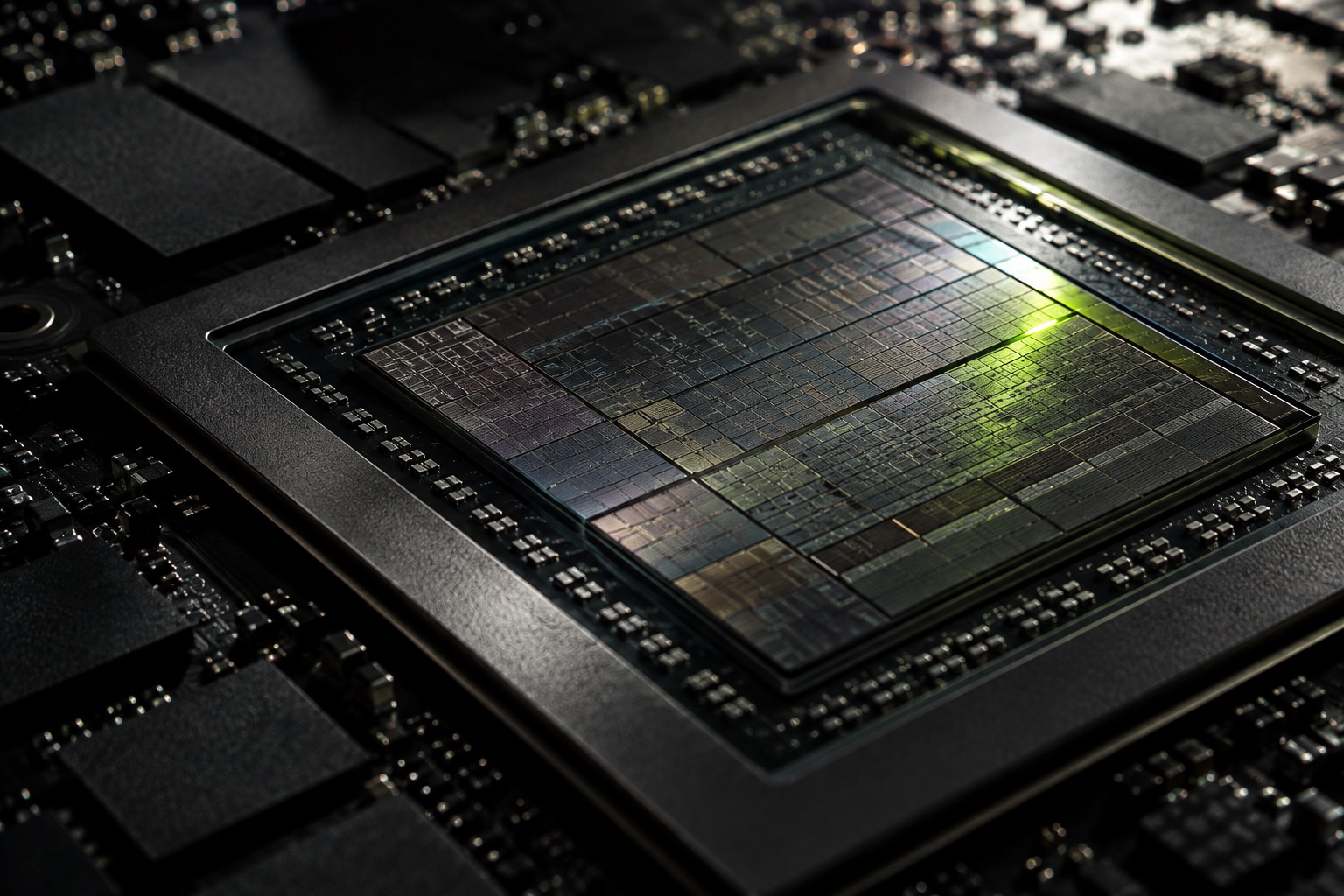
What fits where.
QLoRA at rank 16, 2048 tokens, batch 1, gradient checkpointing on. Computed by the same model the calculator uses — not copied from a spec sheet.
| Model | Params | QLoRA VRAM | Smallest card that fits |
|---|---|---|---|
| Llama 3.2 1B | 1.2B | 1.9 GB | RTX 3090 · $0.22/h |
| Llama 3.2 3B | 3.2B | 3.3 GB | RTX 3090 · $0.22/h |
| Phi-3.5 mini 3.8B | 3.8B | 3.5 GB | RTX 3090 · $0.22/h |
| Mistral 7B v0.3 | 7.3B | 5.6 GB | RTX 3090 · $0.22/h |
| Qwen2.5 7B | 7.6B | 5.9 GB | RTX 3090 · $0.22/h |
| Llama 3.1 8B | 8.0B | 6.2 GB | RTX 3090 · $0.22/h |
| Gemma 2 9B | 9.2B | 7.2 GB | RTX 3090 · $0.22/h |
| gpt-oss-20b (MoE) | 21.0B | 13.5 GB | RTX 3090 · $0.22/h |
| Qwen2.5 32B | 32.8B | 21.3 GB | RTX 3090 · $0.22/h |
| Llama 3.1 70B | 70.6B | 44.3 GB | RTX 6000 Ada · $0.79/h |